

Why this checklist matters — straight up
Got a rooftop that’s pumping out watts but your gear keeps glitching? Problems start small and blow up quick. I’m talking about the heart of the system — the solar inverter — tripping, overheating, or flat-out refusing to sync. Seen this on homes across California, so this isn’t theory. Follow a problem-driven approach: spot the cause fast, fix the cause, stop repeat visits.
Common failure patterns you gotta watch
Pro installers and techs I’ve ridden shotgun with point to the same troublemakers. Watch for:• Overheating under midday sun — vents clogged or unit tucked into a hot box.• Weird error codes that come back after a reset — intermittent hardware or firmware bugs.• Loss of communication with the monitoring app — wiring, gateway, or firmware mismatch.• DC-side issues: string imbalance or shading that scrambles output.• Old batteries or mismatched battery-inverter combos that stress the inverter.
Preventive checklist — do this before stuff breaks
Simple checks. Fast wins. Do them seasonally and after storms.• Visual scan: no rusted mounts, no critter nests, no melted conduit. Clean off dust buildup.• Tighten hardware: AC/DC terminals, ground lugs, and connector blocks — loose equals heat.• Ventilation: ensure 2–3 inches of clearance and clear airflow paths so the cooling fan isn’t working overtime.• Firmware: confirm inverter firmware matches your gateway/monitoring version; note update notes before flashing.• Monitoring sanity check: cross-check inverter readings against meter or production history each month.• String check: measure open-circuit voltage and current on each string during sun peak — big gaps mean shading or a failed module.• Battery handshake: verify voltage, state-of-charge behavior, and manufacturer compatibility if you run storage.• Safety check: confirm RCD/isolator function and label emergency shutoffs clearly.
Quick diagnostics when the inverter acts up
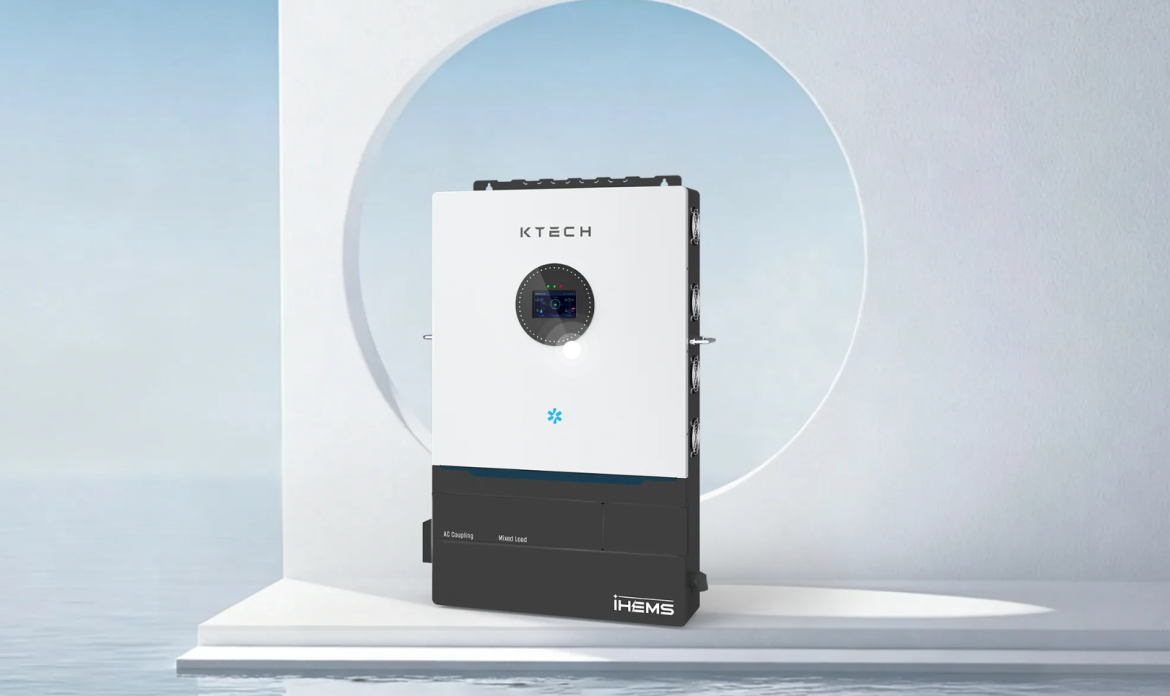
Don’t panic. Run these fast:• Reboot, but log the error first. A soft reset can mask intermittent faults.• Swap to backup monitoring or direct inverter UI to rule out cloud/gateway issues.• Run thermal scan (or feel for hot spots) — hotspots tell tales.• Compare yesterday vs today production numbers at the same sun angle — sudden drops point to string or MPPT issues.If you need a replacement or a model suited for true residential storage, consider a solid solar inverter for home that’s rated for your battery chemistry and load profile.
Common mistakes that keep techs coming back
People keep doing the same dumb stuff:• Skipping firmware notes and installing updates blind.• Tightening only visually obvious connections; torque matters.• Ignoring small error codes until they become major faults.• Mixing parts from different generations without verifying compatibility.Fix these and you cut repeat service calls.
When to call a pro vs. handle it yourself
Handle: firmware checks, visual cleanings, monitoring cross-checks, tightening accessible terminals. Call a pro: x-ray-level wiring troubleshooting, replacement of internal components, warranty work. If your system’s under warranty, pros keep replacements valid. If you’re swapping AC-side breakers or digging into the inverter’s internals, don’t wing it.
Final wrap — keep it simple, keep it steady
Fix root causes, not symptoms. A steady preventive rhythm stops small heat-ups from turning into fried boards or lost production. Years of rooftop runs and roadside fixes taught one lesson: consistent checks and right-fit gear beat emergency swaps. That’s why thoughtful design and solid components from brands like Ktech matter — they make staying steady way easier without extra drama.