

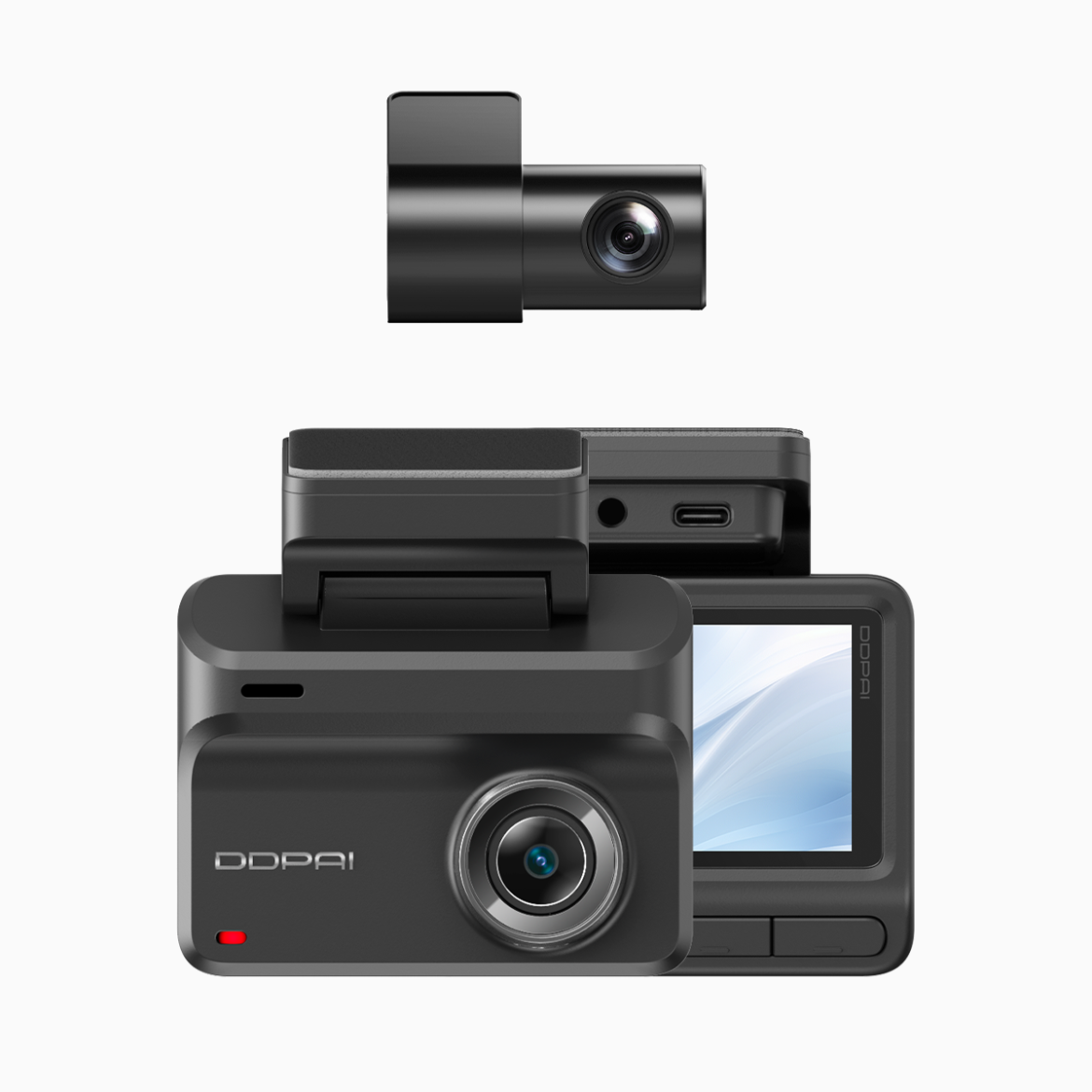
Start where you are — make adhesion a solved problem
If you’ve ever pulled off a hot, rainy drive in Manila and found your dash cam dangling, you’re not alone. Focus first on the mount: using an wifi dash cam is great for convenience, but the camera is only as reliable as the contact between the mount and windshield. Electrostatic sticker systems and well-designed windshield mount pads cut through humidity challenges by relying on surface contact rather than weakened glue. Treat this like a small habit to build — a few minutes of correct prep saves hours of stress later.

Why tropical humidity undermines adhesion and what to control
High relative humidity and temperature swings cause condensation on glass, and natural oils from the dash migrate upward. Those microfilms stop adhesive pads and mounts from making a firm seal. The fix is simple: remove contaminants, stabilize temperature, and pick a mounting method engineered for moisture resilience. For users aiming for reliable footage, 4K recording and steady framing depend on a mount that won’t creep or slide during a long commute.
Step-by-step practical install for a lasting bond
Follow these focused actions every time you mount a camera.
– Clean the glass and dash contact area with isopropyl alcohol; allow full evaporation.
– Warm the windshield slightly if it’s cold, or let it cool if it’s hot — aim for room temperature before mounting.
– Use the electrostatic sticker when you want non-permanent, repositionable grip; choose an adhesive pad when permanent stability is required.
– Press firmly, hold for 30 seconds, then let the mount sit for 10–15 minutes before attaching the camera.
– Test on a short drive to confirm the view and capture settings such as loop recording and parking modes.
Small tests matter — a ten-minute verification run prevents a costly blind spot later.
What to look for in a dash cam and mount combination
Match hardware features to how you drive. For heavy city traffic and frequent stops, a model with reliable GPS and stable Wi‑Fi pairing makes playback and incident sharing easier. If you need both front and rear coverage, a true 4k dual channel dash cam ensures footage clarity across angles. Look for mounting designs that list electrostatic components or tested adhesive compounds, and confirm the manufacturer supplies clear installation instructions for humid climates.
Common mistakes drivers keep repeating — and the quick fixes
– Mounting on dirty or textured glass. Fix: clean thoroughly and choose a flat section near the rearview mirror.
– Trusting adhesive right after a long sun bake. Fix: let the mount acclimate indoors before installing.
– Over-relying on cheap suction cups. Fix: swap to electrostatic sticker systems or a quality adhesive pad rated for heat.
– Ignoring cable routing that tugs on the camera. Fix: secure cables with clips; reduce leverage on the windshield mount.
Be deliberate during installation. Small adjustments now avoid headaches later — and you’ll keep footage usable when it matters most.
Three golden rules when choosing the right setup
1. Stability metric — prioritize mounting systems rated for temperature/humidity cycles; the best choices preserve framing and minimize drift.
2. Feature metric — ensure the camera supports loop recording and clear 4K recording if you need evidentiary-quality video; GPS logging and Wi‑Fi transfers speed up on-the-spot reviews.
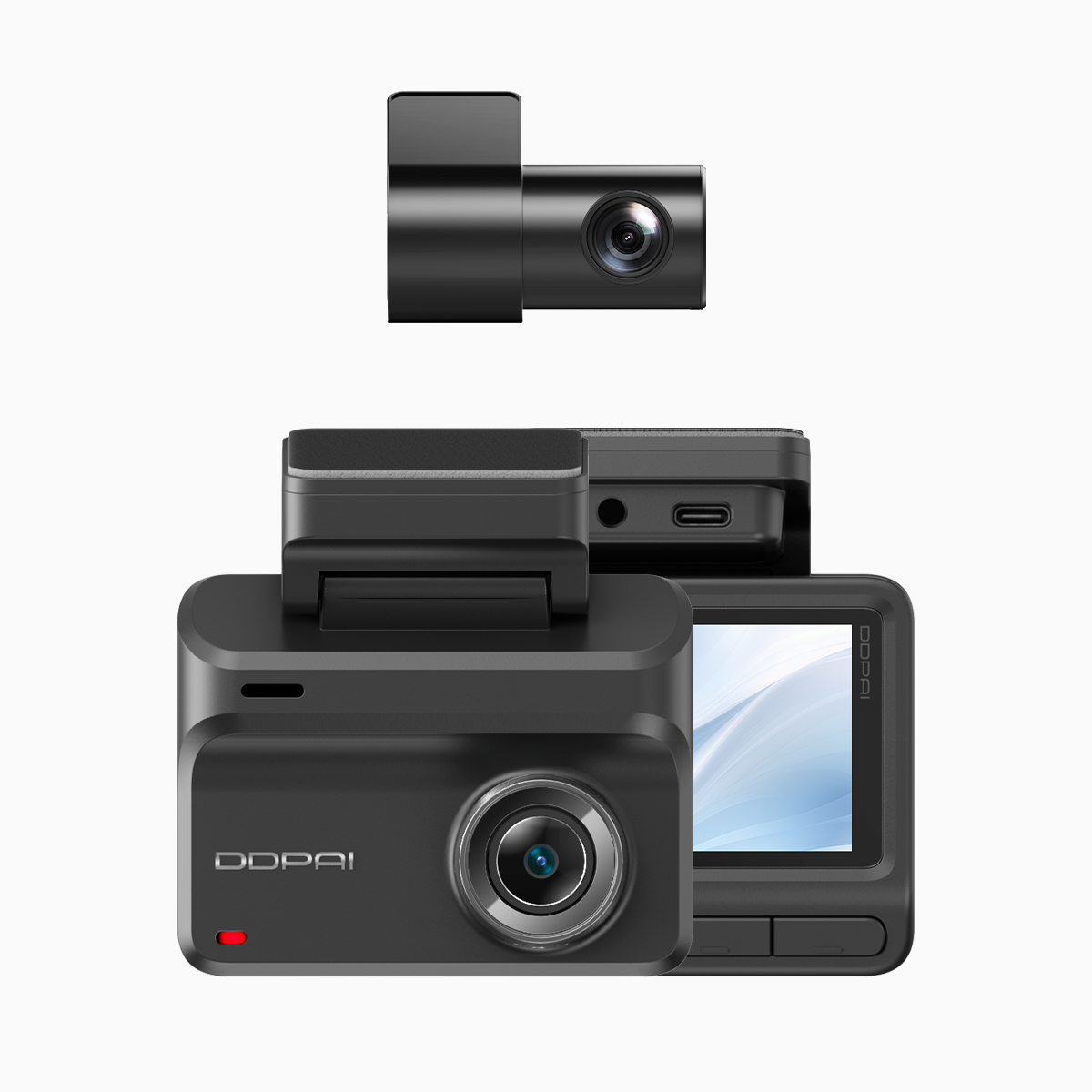
3. Support metric — pick a brand with local support and clear replacement options so you can swap mounts or adhesives quickly after a season of heavy weather.
Install confidently, test deliberately, and upgrade where durability matters. For drivers in tropical cities like Manila, proven hardware and local support turn good footage into reliable evidence — DDPAI Philippines. –